

Note: This case study is from a 2020 Oracle EPM Planning engagement and was lightly updated in October 2025 for current product naming.
The Challenge
A client came to us with an error they were hitting while pushing data from the Project cube to the Financial cube for one specific profit center. The rule OPF_Calculate Direct Input Expense ran successfully for profit center PC0100 when they chose to run Project at level 0 of Indirect Projects, but the same rule failed for PC0200. Data was not pushing to the staging intersection for resource class OPF_Direct Resource when running for PC0200 with the same prompt selections. Through further testing, they found the rule did succeed for PC0200 if a single project was selected in the prompt, rather than running at level 0 of Indirect Projects.
The Solution
To troubleshoot, we first used Smart View to narrow down the data being entered for the projects, then identified where that data was being copied for staging before it moved into the Financial cube.
Examining the Groovy script behind OPF_Calculate Direct Input Expense, we found a validation section that checks the allowable dates for the projects. (Groovy business rules are an advanced calculation type available in the Enterprise tier of Oracle EPM Planning, and they can enforce conditional logic and validations like this one.) The rule compares each project's estimated start and end dates against its actual start date.
Using our Smart View data pulls, we double-checked the intersections that had working data and then shifted our focus to the projects and profit center that were failing. We ran the same rule for each of the project descendants to see which succeeded and which failed, and by process of elimination narrowed the issue down to two projects that were clearing the data in the staging table.
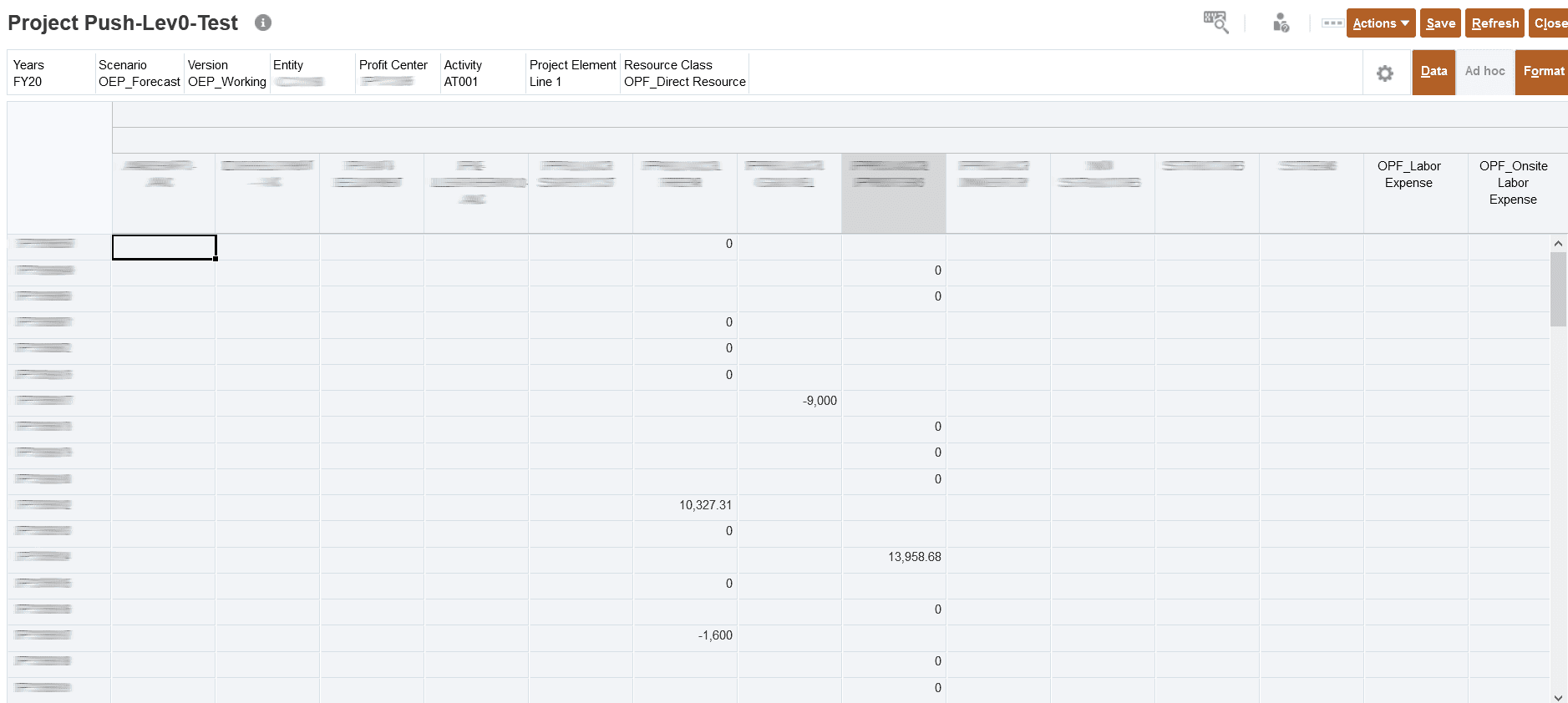
Looking at the data that pulled into the data form for PC0200 after the rule completed, we noticed that the actual start date was set to a date before the estimated start date for those projects, and that was the root cause.
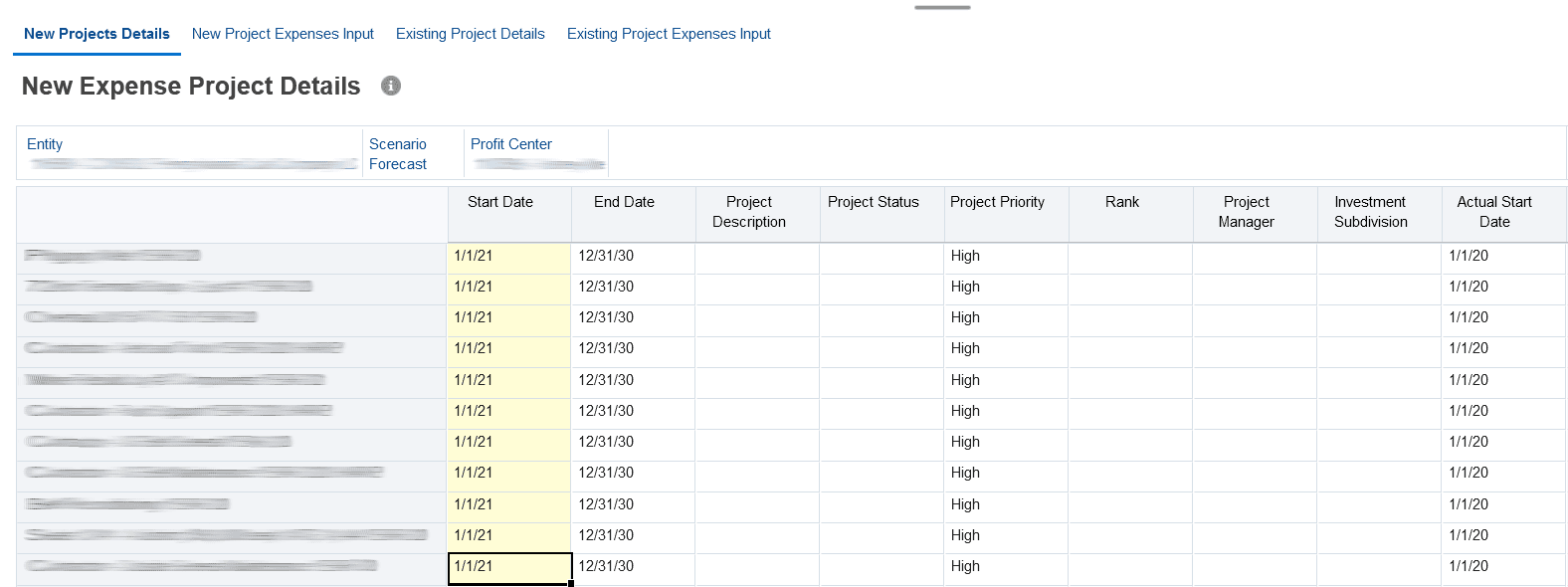
Because some projects did not meet the validation criteria, the validation rule was clearing the staging table at PC0200. We corrected those dates so that each actual start date fell on or after its estimated start date.
The Results
Once all of the estimated and actual start dates were corrected, OPF_Calculate Direct Input Expense ran successfully at PC0200 and pushed the needed data from the Project cube to the Financial cube. We walked the client through the cause of the error so the same issue could be avoided going forward.